Turn any PDF table into a clean Excel spreadsheet.
Extract tables from invoices, bank statements, reports and scanned documents into XLSX or CSV in seconds. Buy a page pack once and convert during its access period, from 1 to 12 months. No subscription, no sign-up.
- One-time payment
- 1 to 12 months of access
- 14-day refund policy
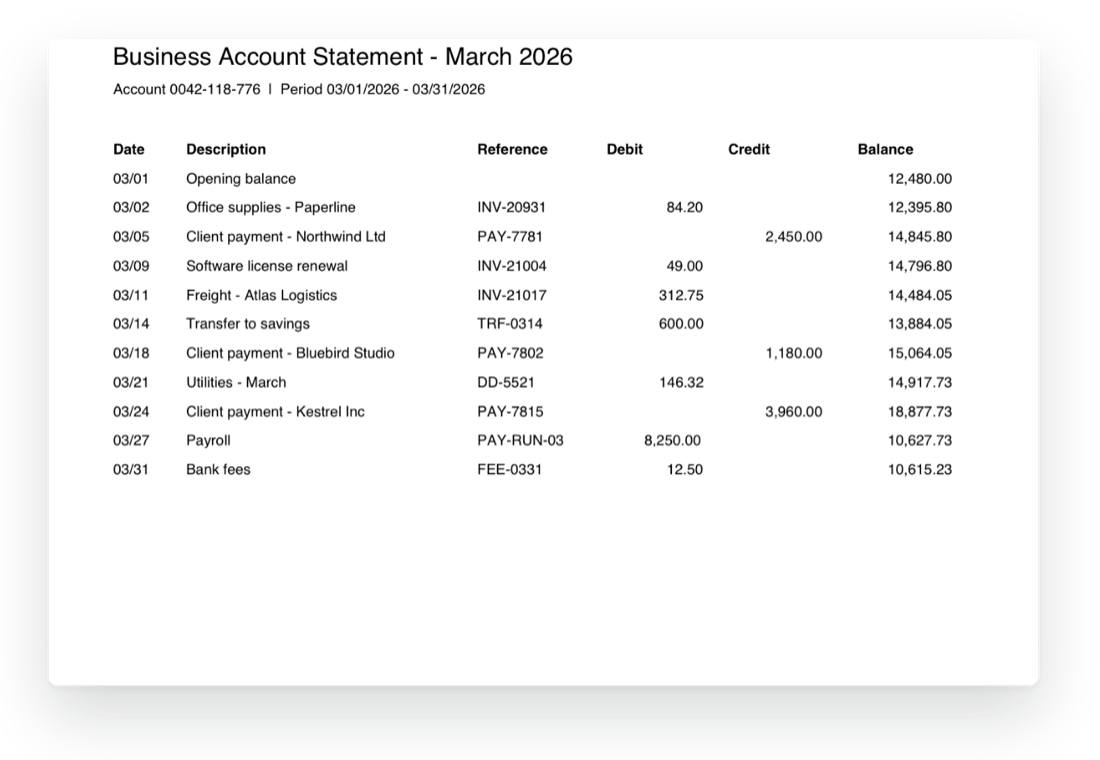
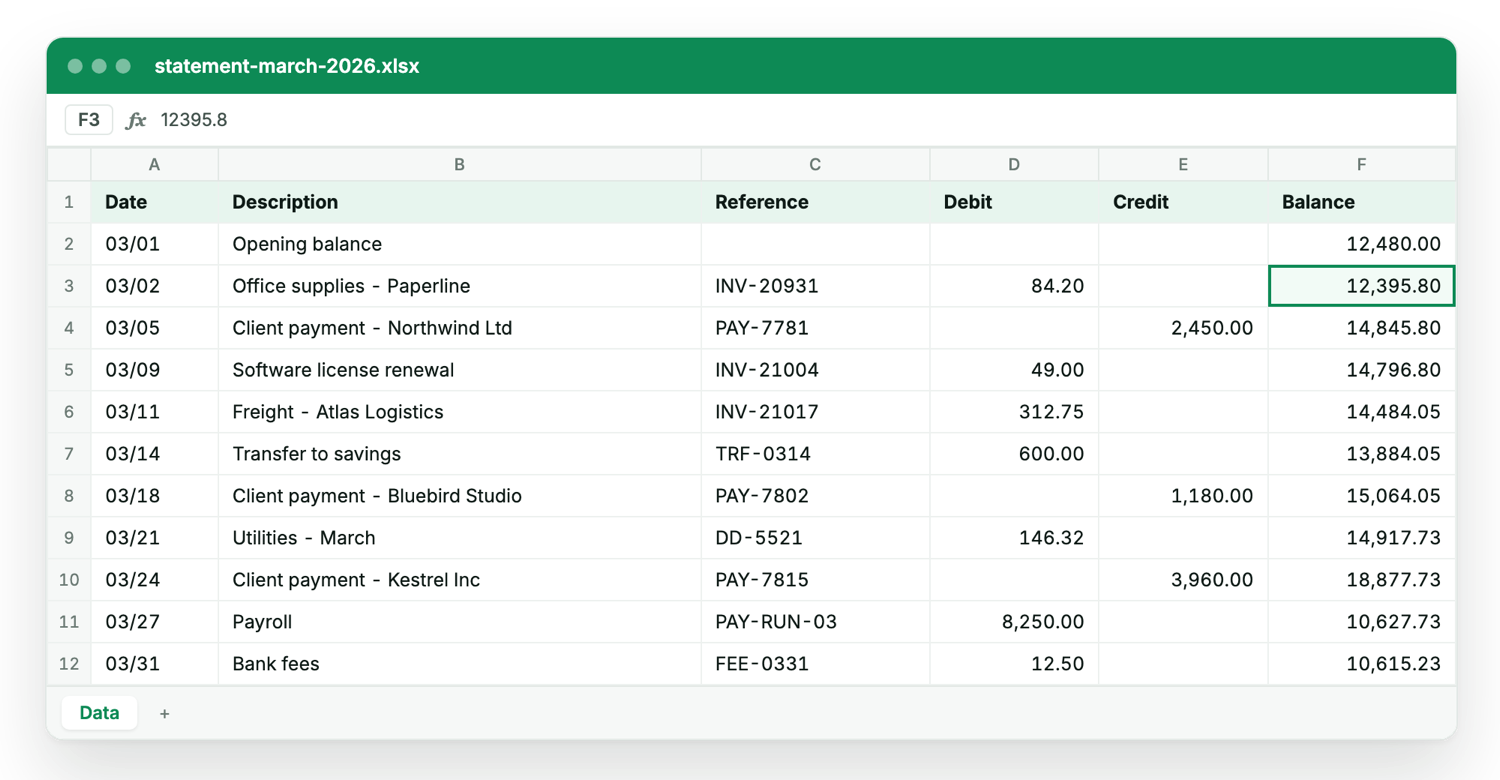 12 rows · 6 columns extracted
From PDF to spreadsheet in three steps
No account to create and no password to remember. Your access key is all you need.
Choose a page pack
Pick the pack that fits your volume and how long you need it. You pay once, with no subscription.
Receive your access key
Your personal access key arrives by email within minutes of your purchase. Use it to log in to the web app.
Upload and download
Drop your PDFs, review the preview and download your tables as Excel (XLSX) or CSV files.
A converter that simply works
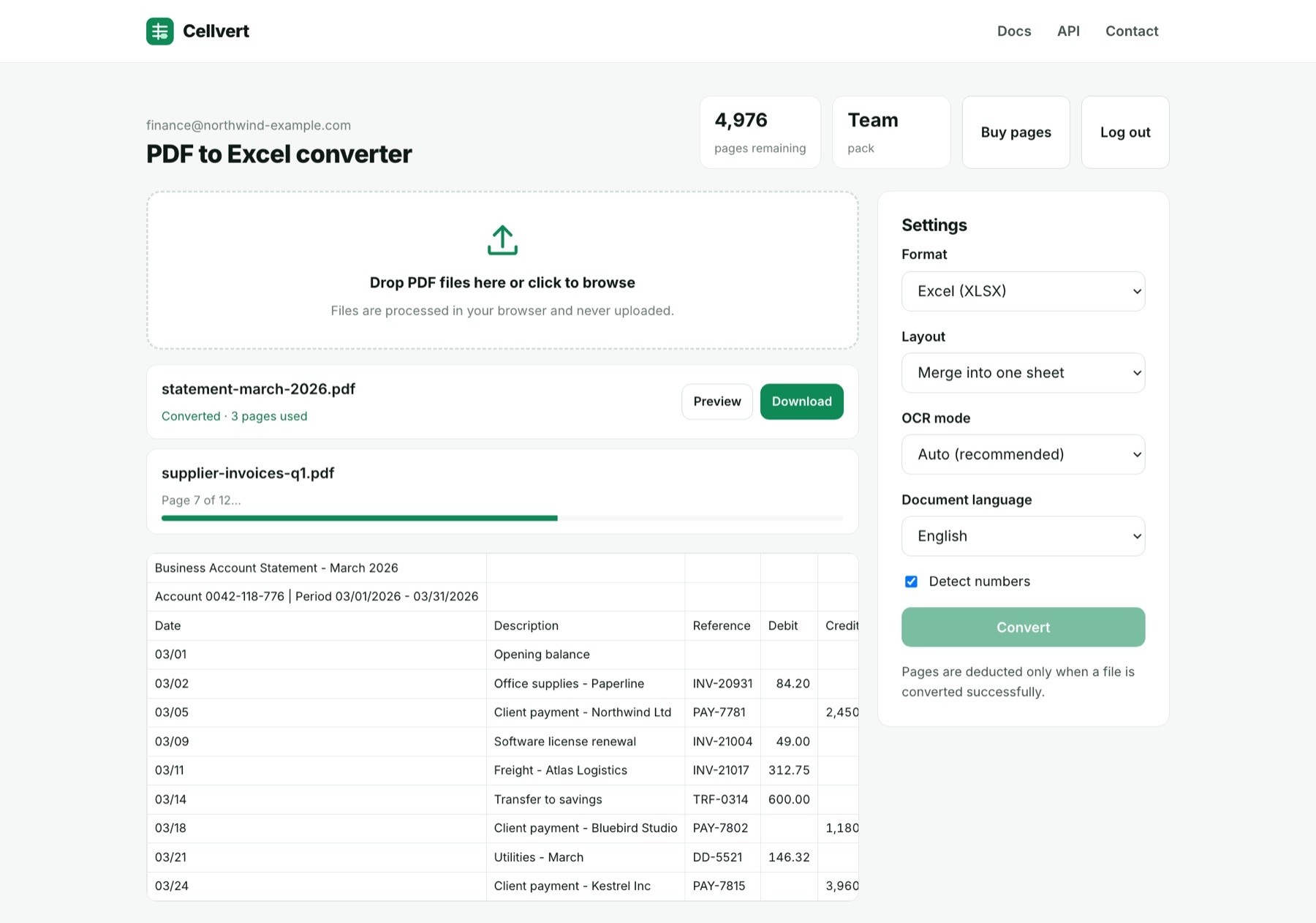
Drop your files, follow the progress page by page and check the preview before you download.
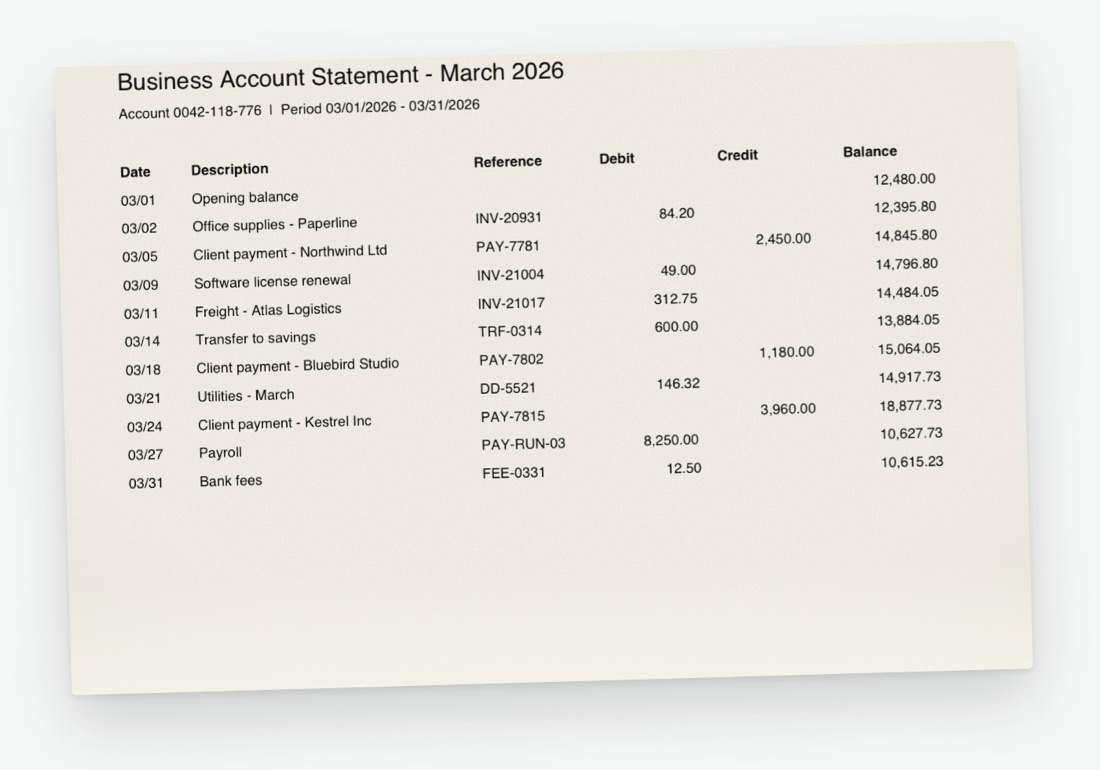
Scanned on paper? Still works.
Pages without a text layer are read with optical character recognition, then rebuilt into rows and columns like any digital PDF.
- 12 OCR languages, including French, German and Spanish
- Automatic detection of scanned pages
- Best results with clear scans at 300 DPI
Real numbers, ready for formulas.
Amounts come out as numeric values with their original decimals, so you can sum, filter and build pivot tables right away.
- Excel (XLSX) or CSV export
- One sheet per page, or every page merged into one
- Reference numbers with leading zeros kept as text
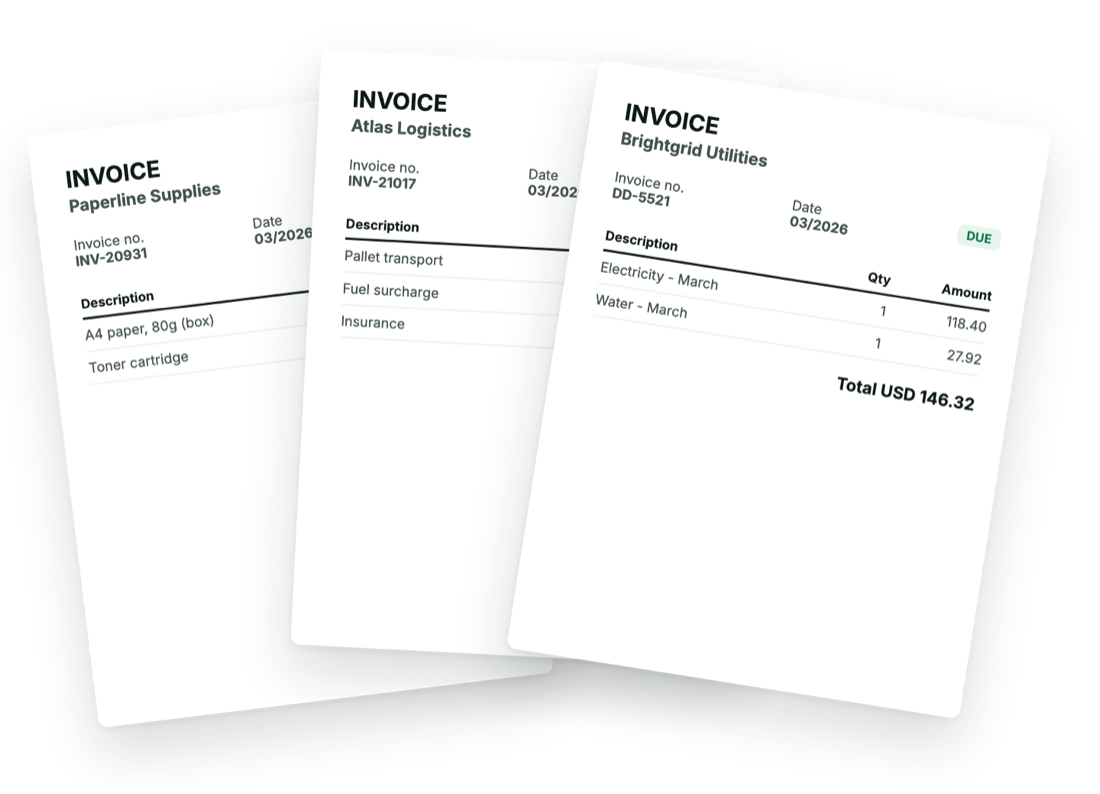
From one statement to thousands of invoices.
Convert up to 100 files per batch in the web app, or connect your own software to the REST API on Team, Business and Enterprise packs.
- Batch upload with page-by-page progress
- Shared access key for your team
- REST API with examples in cURL, Python and Node.js
Built for real-world documents
Cellvert reads the layout of every page, rebuilds rows and columns, and turns numbers into real spreadsheet values.
Smart table detection
Rows and columns are rebuilt from the position of every word on the page, so your data lands in the right cells.
OCR for scanned PDFs
Scanned pages and photos saved as PDF are read with optical character recognition in 12 languages.
Batch processing
Convert up to 100 files at once, one sheet per page or all pages merged into a single sheet.
Excel and CSV output
Download native XLSX workbooks or CSV files. Amounts and quantities are exported as numbers, ready for formulas.
Private by design
In the web app, your PDFs are processed directly in your browser and are never uploaded to our servers.
Developer API
Automate conversions from your own software with a simple REST API, available on Team, Business and Enterprise.
For individuals and businesses
Whether you convert one statement a month or thousands of invoices, there is a pack sized for you.

Individuals
- Turn bank and credit card statements into a budget spreadsheet
- Organize receipts, utility bills and tax documents
- Extract tables from research papers and school reports
- Reuse data from price lists, schedules and catalogs

Businesses
- Accounting firms processing client statements and invoices
- Finance teams reconciling supplier documents
- Logistics and retail teams digitizing delivery notes and price lists
- Software teams adding PDF table extraction through the API
Pay once. Convert for up to 12 months.
Simple page packs with a fixed access period and no subscription. Buy a new pack whenever you need more pages or more time.
Prices in USD, one-time payment. One page = one PDF page processed. Unused pages expire at the end of the access period. Applicable taxes may be added at checkout. Compare all plans

Your documents stay yours
Financial and business documents deserve care. Cellvert is designed to see as little of your data as possible.
- Web app conversions run locally in your browser: files are not uploaded.
- API files are processed in memory and deleted right after conversion.
- Your documents are never used to train models or shared with third parties.
- Every connection is encrypted with HTTPS (TLS).
- Payment card details are handled by a PCI DSS certified payment provider and never touch our servers.
- No advertising or tracking cookies.
Frequently asked questions
Do I need to create an account?
No. After your purchase, you receive a personal access key by email. You use this key to log in to the web app and, on eligible packs, to call the API. There is no password to create.
Is this a subscription?
No. Every pack is a one-time payment and you are never charged again automatically. Each pack gives you access for a fixed period: 1 month (Starter), 3 months (Basic), 6 months (Pro) or 12 months (Team and Business).
What happens when my access period ends?
Your access key stops converting files and any unused pages expire. We email you before the end date. If you buy a new pack before your access ends, your remaining pages are added to it and your access is extended.
What counts as a page?
One page is one PDF page that is successfully converted. A 12-page statement uses 12 pages. If a conversion fails, no pages are deducted.
What happens when I run out of pages?
Buy another pack using the same email address. The new pages are added to your existing access key automatically and your access period is extended.
Does it work with scanned documents?
Yes. Pages without a text layer are read with OCR. Results depend on scan quality: clear scans at 300 DPI give the best results. We recommend reviewing the preview before you use the data.
Are my documents safe?
In the web app, your PDFs are processed in your browser and are not uploaded to our servers. Files sent to the API are processed in memory and deleted immediately after conversion. See our Privacy Policy.
Can my team use the same pack?
Yes. Team and Business packs include a shared access key designed for teams. For separate keys per department or custom volumes, contact our sales team.
Can I get an invoice for my company?
Yes. A receipt is emailed after every purchase, and you can add your company name and tax ID at checkout. Enterprise customers can pay by invoice and bank transfer.
What is your refund policy?
If Cellvert does not work for you, request a refund within 14 days of purchase as long as you have used less than 10% of the pack. Details are in our Refund Policy.
Stop retyping PDF tables.
Choose a pack, get your access key in minutes and convert your first document today.